
Format as you write
Add headings, emphasis, checklists, links, and tables from the toolbar in Editor and Split views. Split view shows the formatted result as you edit.
 OpenMarkdown
Use the formatting toolbar to style your document, see it update live, then download a copy or share it with a link.
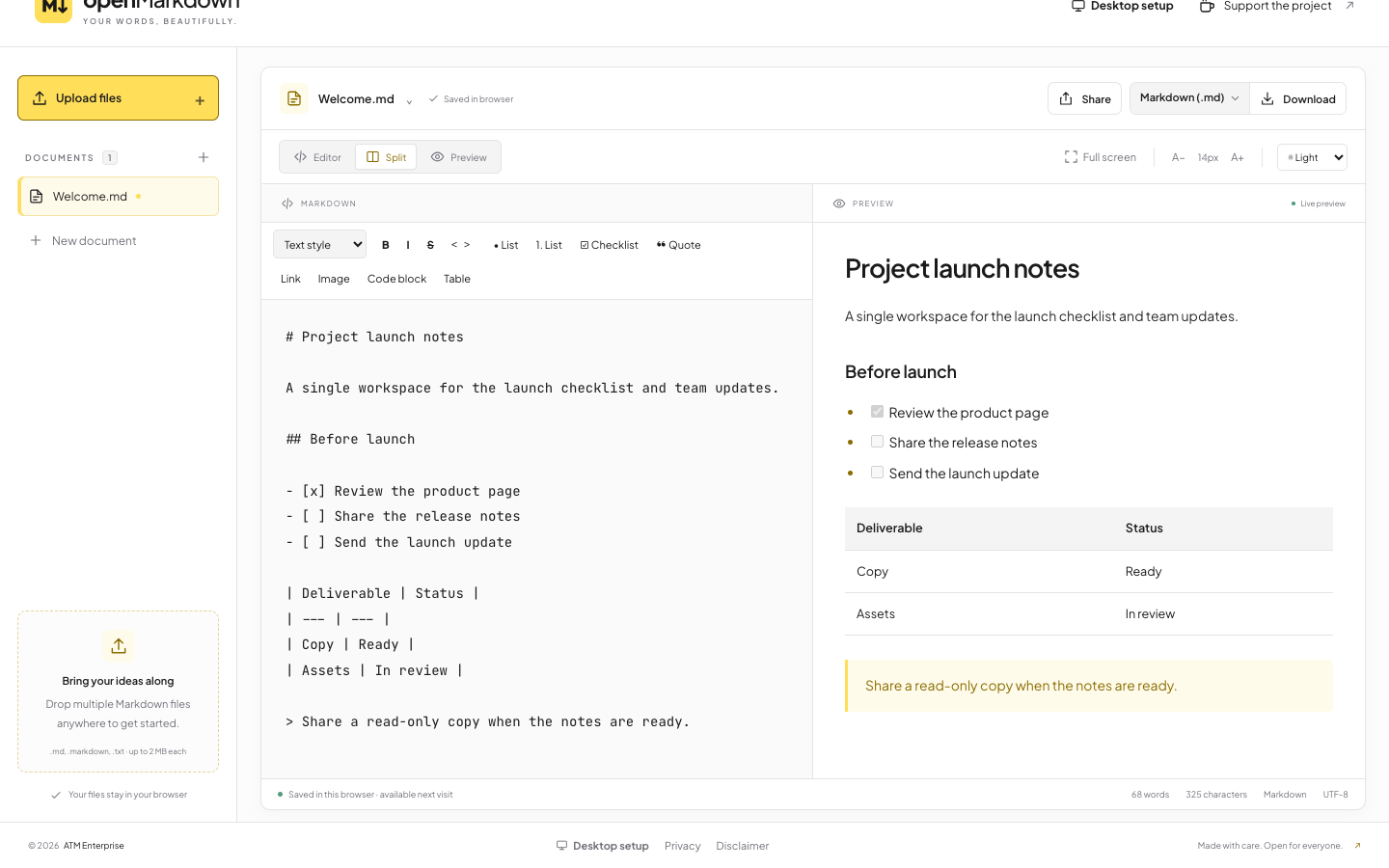
Add headings, emphasis, checklists, links, and tables from the toolbar in Editor and Split views. Split view shows the formatted result as you edit.
Save your work as Markdown, plain text, PDF, Word (.docx), or HTML. Formatted exports carry over document structure such as headings, lists, and tables.
Send a snapshot anyone with the link can open without an account. The share dialog warns against sharing confidential information because links can be forwarded.
Install OpenMarkdown in desktop Chrome or Edge, then open .md and .markdown files from your file manager on Windows, macOS, or supported Linux desktops.
After installing the web app, right-click a Markdown file and choose Open with → OpenMarkdown. The file opens locally in Preview, with Editor and Split available when you want to make changes.
Use desktop Chrome or Microsoft Edge for file associations. In Safari, you can drag the file into the editor or use Upload files.
View the desktop setup guide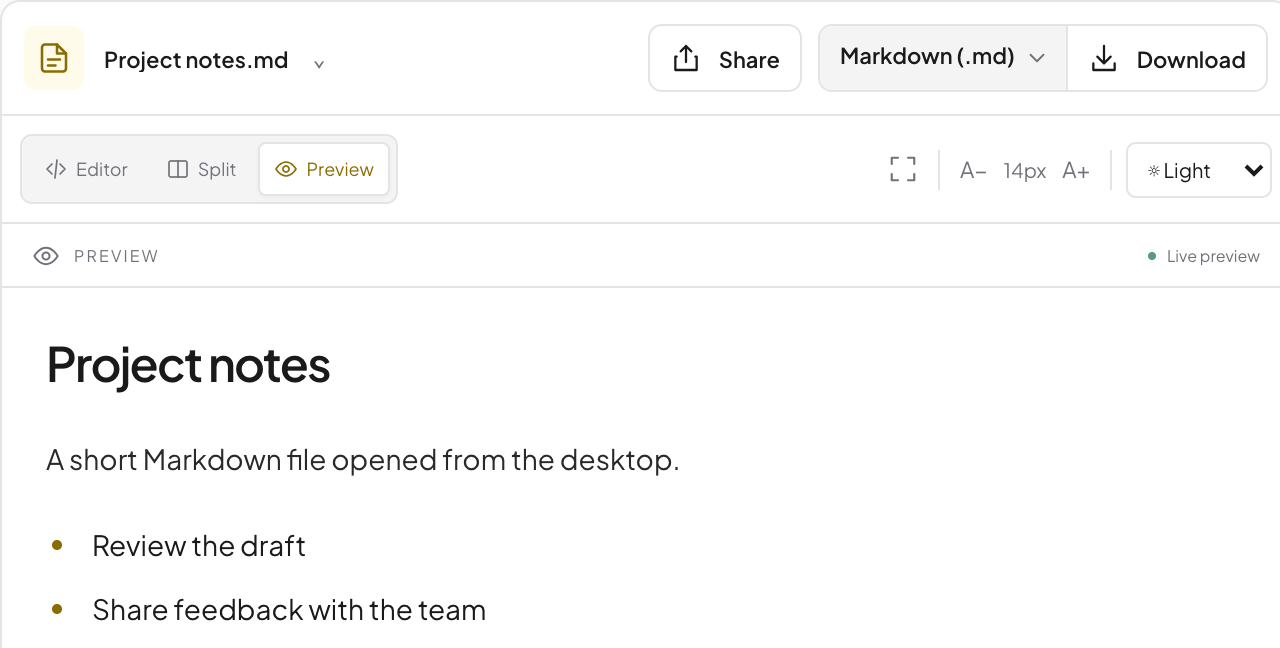
See the same document in Light, Dark, or Sepia. Choose a theme to change the preview.
A 30-second introduction to writing, previewing, and switching themes.
On-screen captions. No audio required.